ThumbnailFlow
YouTube thumbnails for every sermon, in a couple of minutes. Drop in the video, type the title, and ThumbnailFlow picks the best shots of the speaker and builds six finished thumbnails on your series background, all on your Mac.
Free with any account.
From the sermon video to a thumbnail you are proud of.
It does the hunting
ThumbnailFlow watches the whole message for the moments the speaker looks right: facing the camera, eyes open, in focus. Then it cuts them out and builds the thumbnail for you.
You make the call
Pick your favorite of the six, swap out any that miss, and upload the one you like to YouTube yourself.
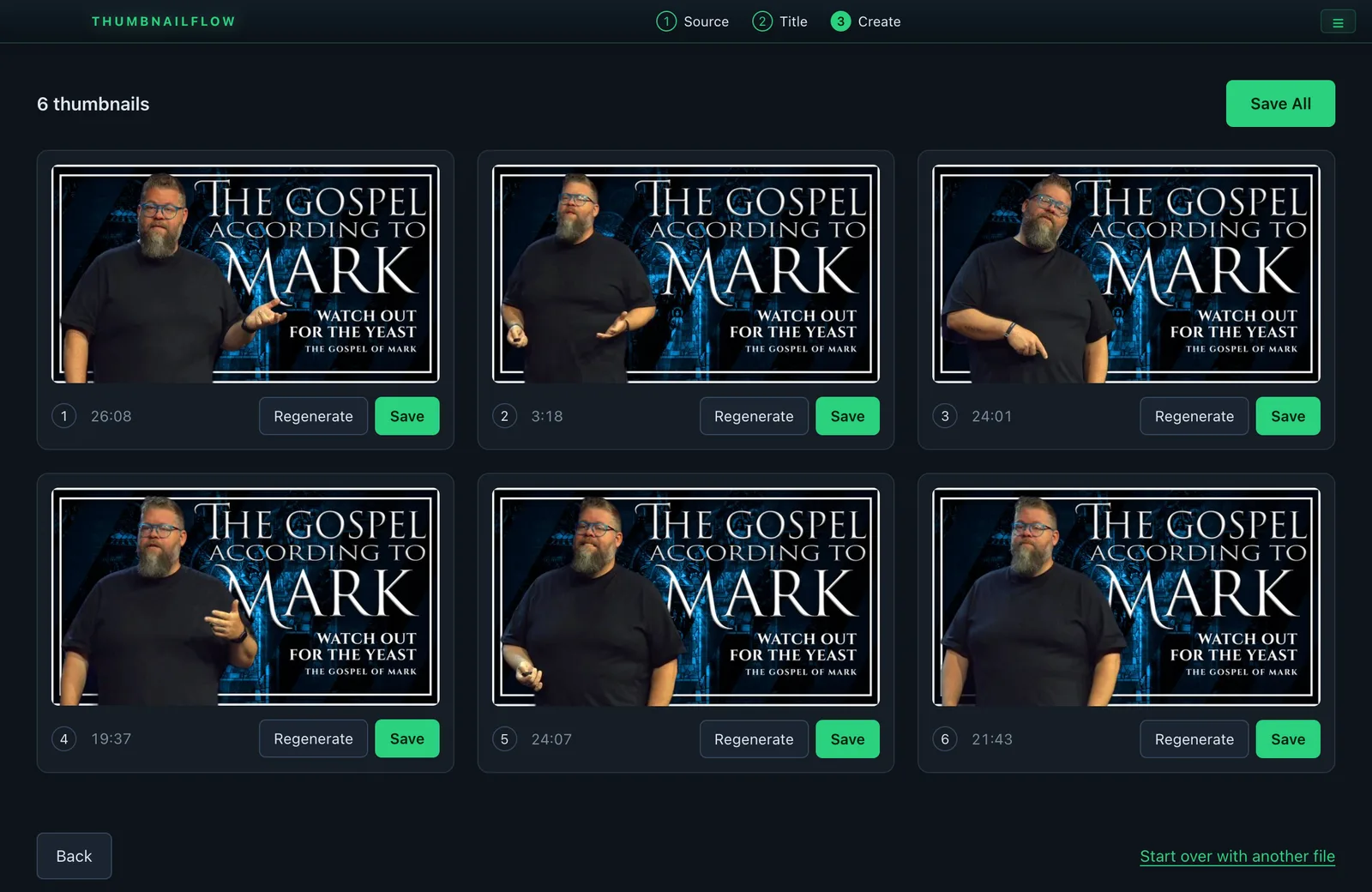
Six thumbnails from one sermon
Drop in the sermon video and type the title. ThumbnailFlow picks six of the best shots of the speaker and builds a finished thumbnail from each one. Regenerate any you do not love, then save the keepers.
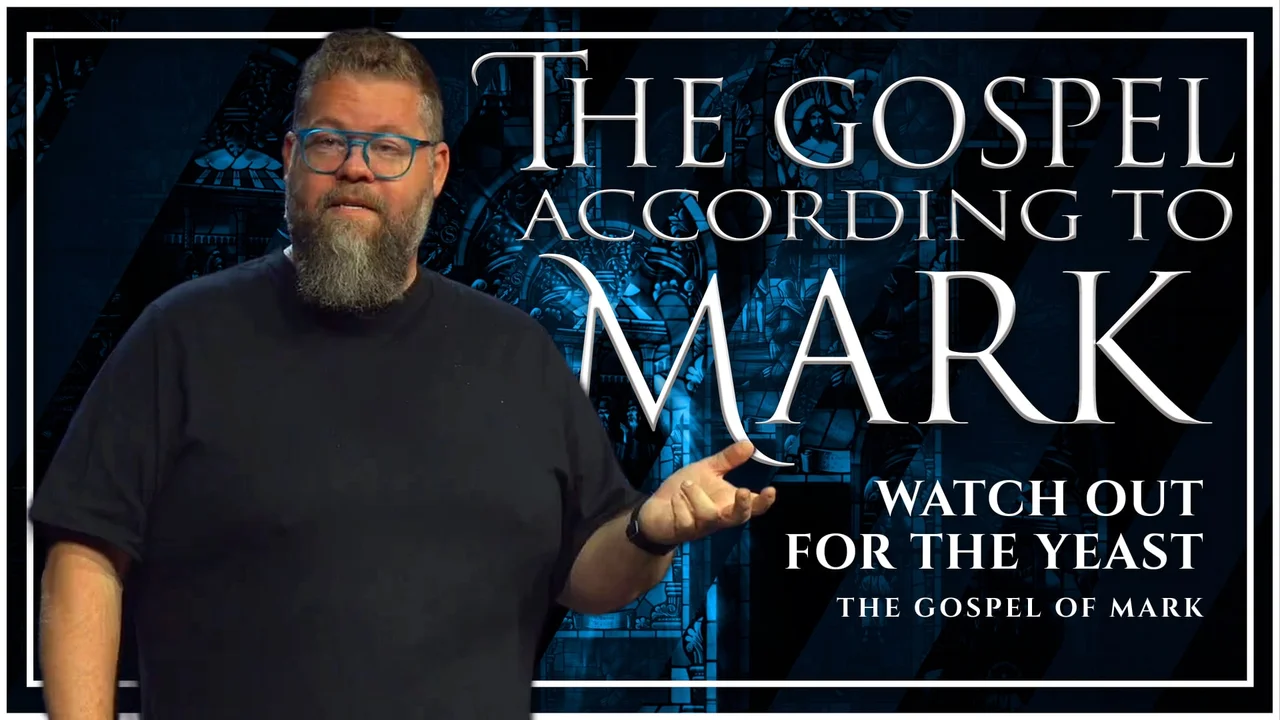
Ready for YouTube
Every thumbnail is 1920 x 1080 and under YouTube’s 2 MB limit: the speaker cut out, color matched, on your series background, with the title set in big clean type.
Sermon thumbnails without the design software.
Finds the best shots for you
ThumbnailFlow looks through the whole recording for frames where the speaker faces the camera, eyes open, sharp and well lit, and hands you the six strongest. No more scrubbing for a good frame.
Clean cutout
The speaker is cut out of the room and color matched to your background, so every thumbnail looks designed, not grabbed.
Your series look
Pick the background for your current series in Settings and every thumbnail uses it until you change it. Use the built in title font or your own.
A photo works too
Have a great photo from Sunday? Drop it in instead of a video and ThumbnailFlow makes one thumbnail from it.
You pick the winner
Click any thumbnail to see it full size, Regenerate the ones that miss, and save one or all six.
Everything on your Mac
The video, the picking and the building all stay on the Mac. No uploads, no cloud, no monthly fee.
Before you download
ThumbnailFlow system requirements
- Mac
- Apple Silicon (M1 or newer)Intel Macs are not supported.
- macOS
- 12 Monterey or laterOn macOS 14 Sonoma or later the cutout also keeps a Bible, mic or music stand the speaker is holding or standing behind.
- Memory
- 8 GB of RAM or more
- Disk space
- About 400 MB
- Video in
- An mp4, mov, mkv or m4v sermon recording, or a jpg, png or heic photo
- License
- Free with a producerdash.com accountUp to 2 Macs. Sign in once, then it works offline.
Up and running in 5 steps.
Download and activate
Sign in to your account, open the Downloads page, and grab ThumbnailFlow from the free card. Open it and sign in with the same account to activate this Mac. It works offline after that.
Choose your background
In Settings, pick the background for your series, and your own title font if you like. They are remembered for next time.
Drop in the sermon
Drag in the sermon video, or a photo, and press Continue.
Type the title
Type the sermon title and, if you want, the series name or speaker underneath it.
Create and save
Press Create. Look over your thumbnails, Regenerate any you do not like, and Save the ones you want to use.
ThumbnailFlow is an independent tool and is not affiliated with, endorsed by, or sponsored by YouTube. Only make thumbnails of messages your church has the right to share.